
01
No more tab hopping
Posts, topics, and performance stay together, with the source one click away.
AI account breakdown · Built for X
Open a public X account and get its posts, topics, formats, and real performance on one screen. See what works and what to publish next.

Core value
From the first post to the next content decision, every conclusion stays tied to real data and source context.
Posts, topics, and performance stay together, with the source one click away.
AI organizes topics while account data shows what actually performed.
Send a read-only review to your team or client. Share links are permanent, so confirm the content and audience first.
Return from each topic or format signal to the source post, its timing, and its real context.
One workflow for the whole account
Open any public X account and review its posts, AI-organized topics, formats, and real performance in one English workspace.
AI groups what the account keeps talking about, then shows those topics beside real performance.
Compare text, photo, video, and quote posts to see which formats actually earn attention.
Open the exact post behind every insight and review timing, context, and wording.
Three steps to a better review
One simple path from finding a content direction to putting the insight in front of your team.
Visit any X profile and open Social Tidy from the account card.
No new workflow
Review topics, formats, standout posts, and publishing rhythm in one place.
Focus at a glance
Send a read-only analysis to your team or client, or export it as a report.
Confirm the audience first
Your team sees a live, read-only review. Share links are permanent, so confirm the content and audience before sending.
Install Chrome extensionFrom review to handoff
A public link shows the same read-only review, while an export carries the organized result into a report. Both use real account data.
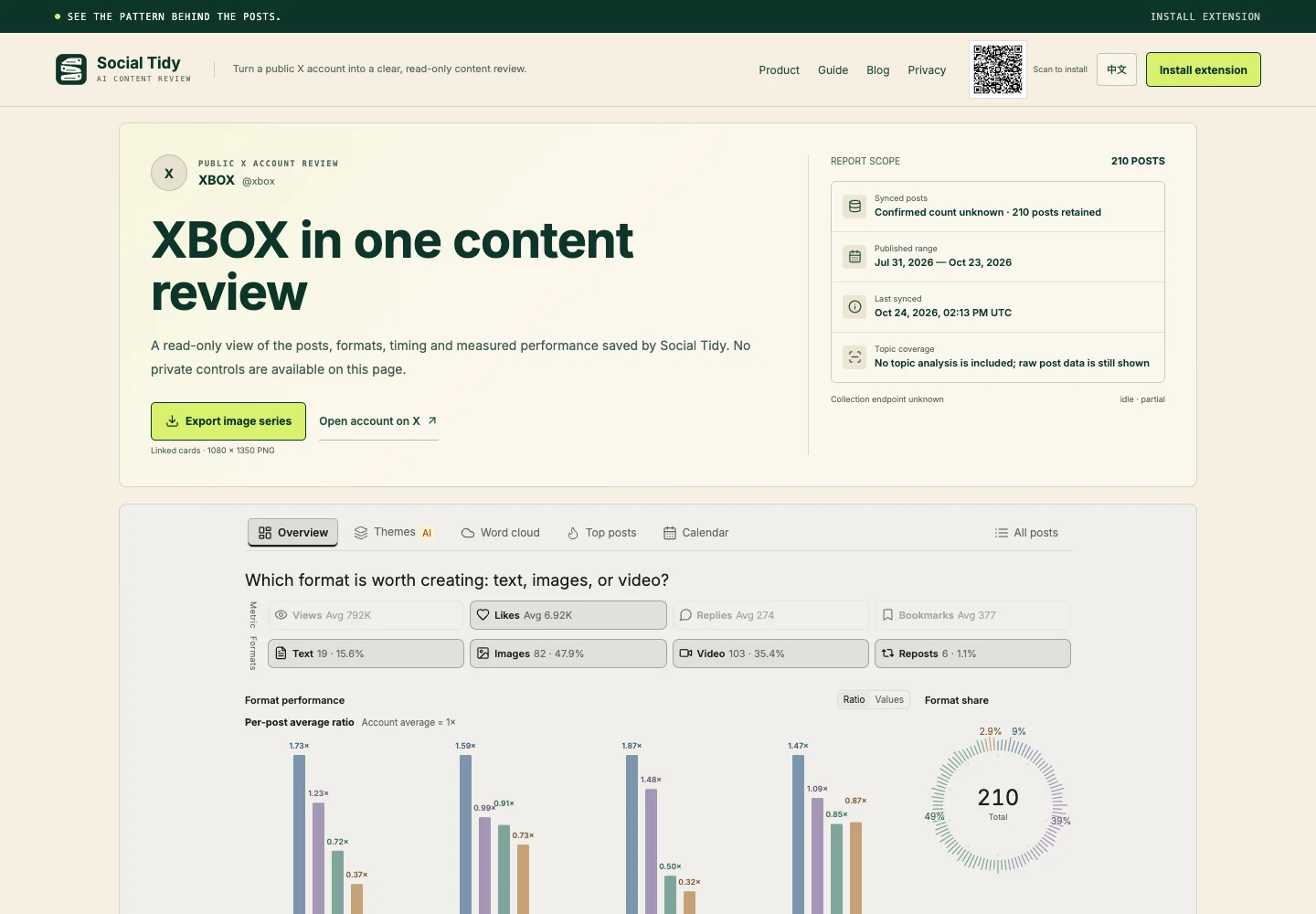
Public share page
Account overview, source posts, and key performance signals in one permanent review.
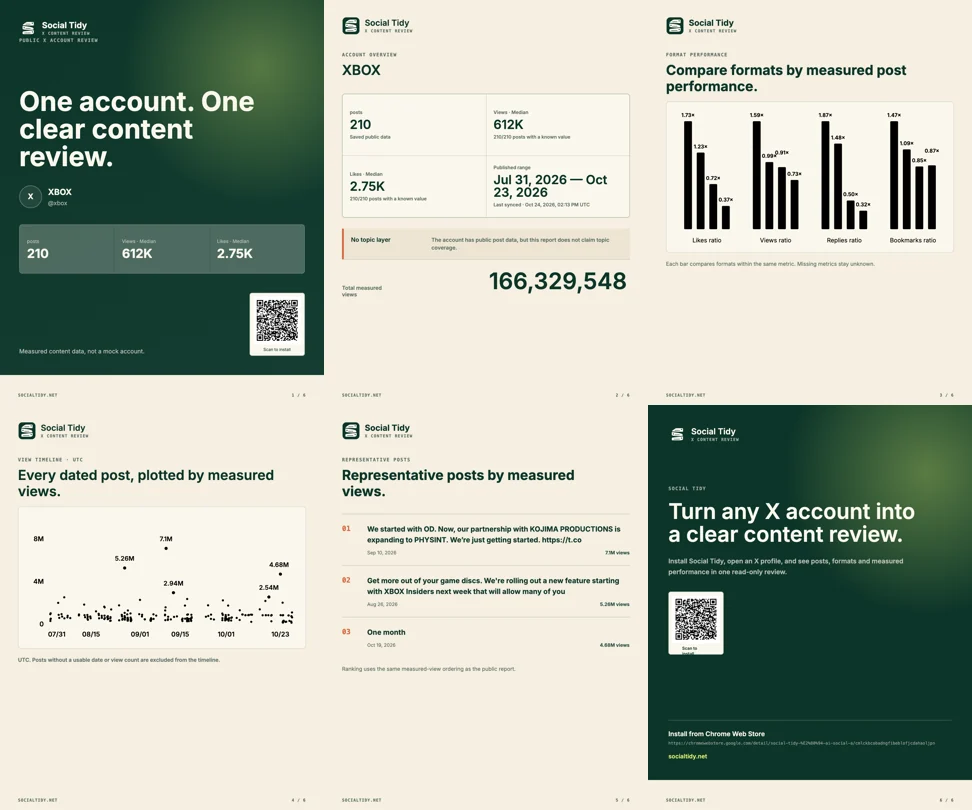
Report export
Turn the same review into a report series for team archives, comparisons, and presentations.
Where it fits
No guessing at standout posts and no scattered screenshots. Review every account from one consistent angle.
See recent topics, formats, and source-post performance before planning the next run.
Open a public account and compare recurring directions with measured performance.
Give a colleague or client one read-only review instead of screenshots and lost context.
FAQ
Platform, features, setup, and sharing, answered simply.
Social Tidy focuses on X account content. Install the Chrome extension, then open any X profile.
Start with one X account
Open a public account, see what works, then decide what to publish next.
Install from the Chrome Web Store and start an AI account breakdown in seconds.